
Please follow this video guide: restore from crashplan
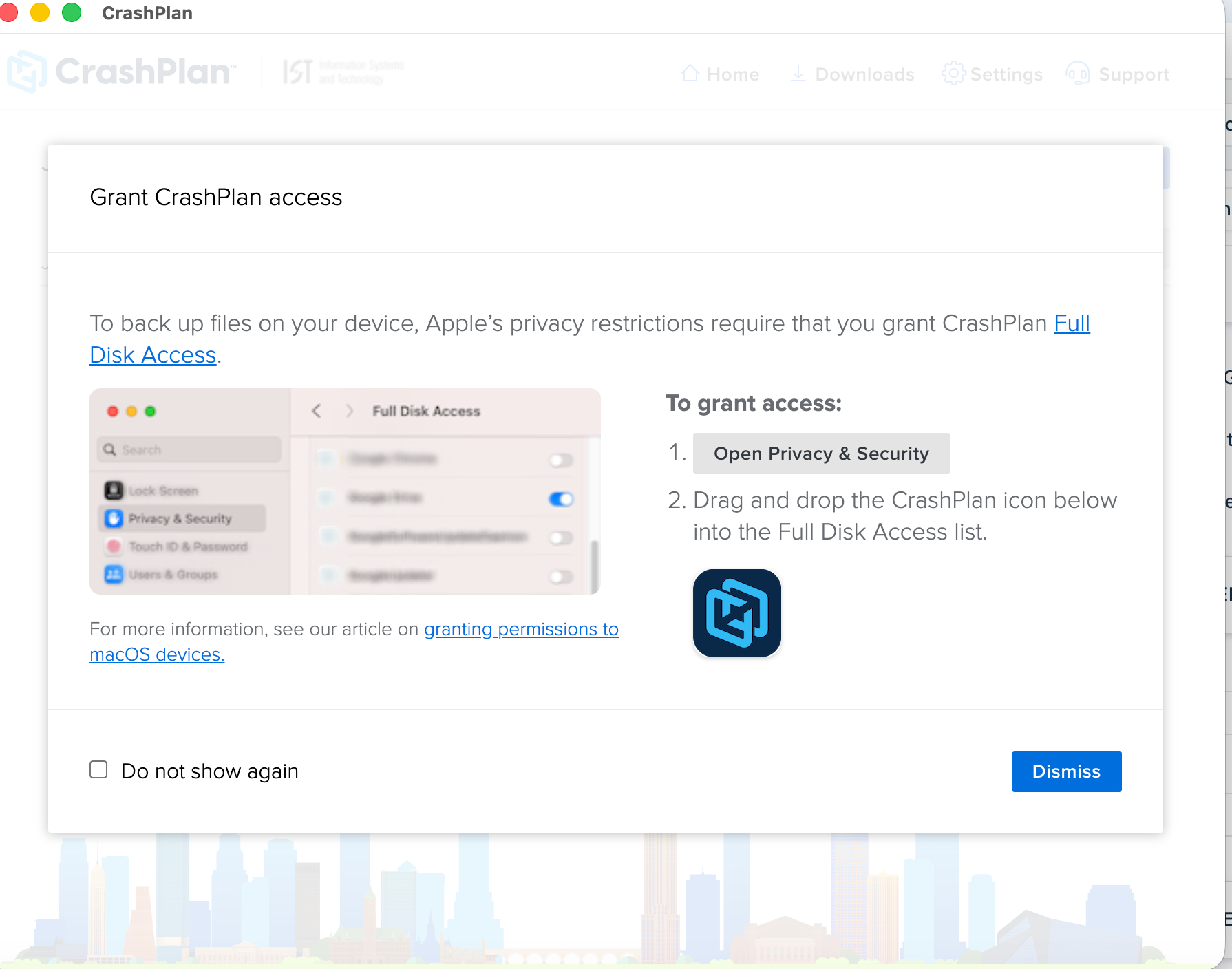
- Open and sign in with your Kerberos credentials to the CrashPlan app. Grant full disk access to Crash plan under "Privacy & Security"
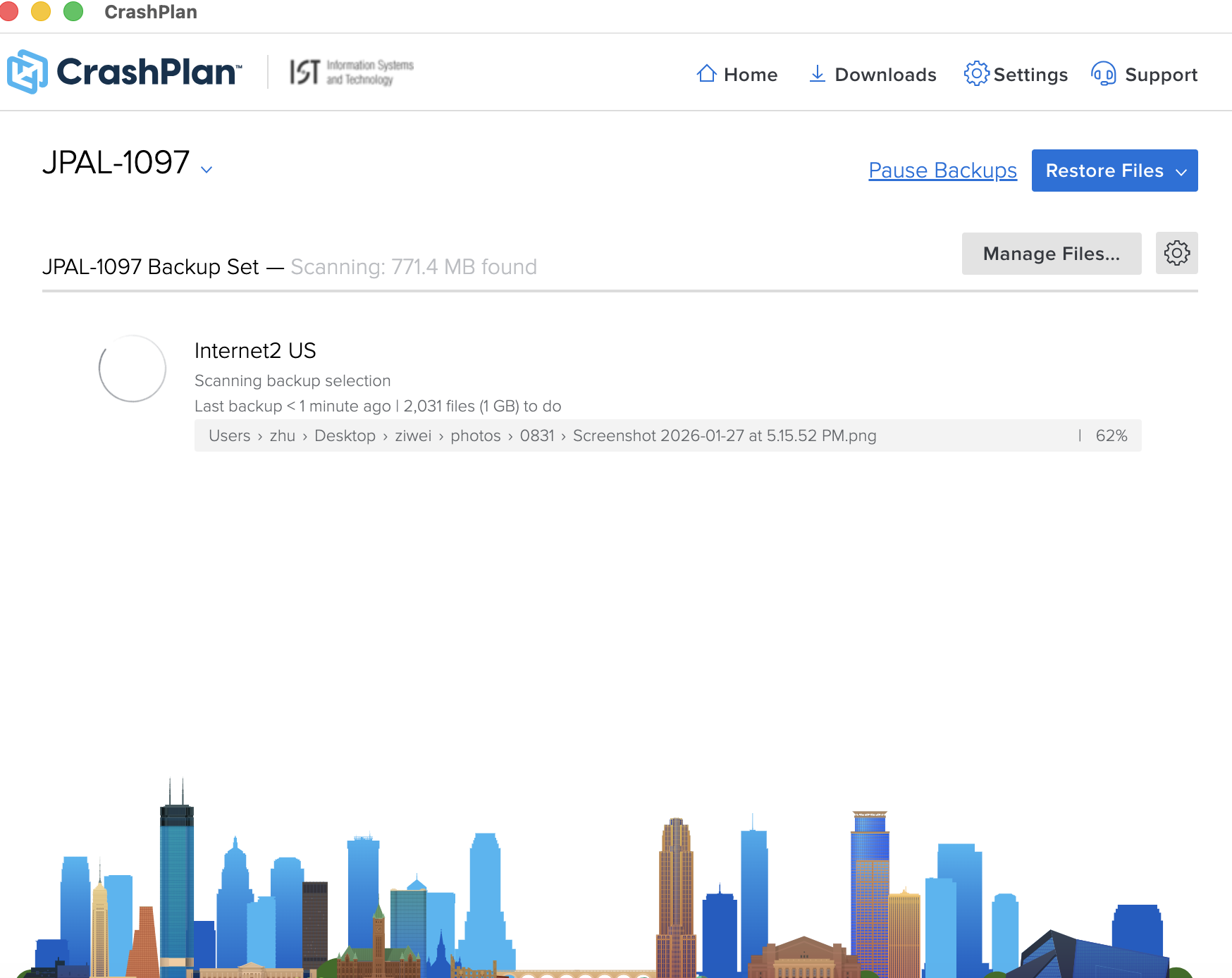
- Click Restore Files
3. Select the device backup you want to restore from. (This step only applies if you have multiple devices on your account.)
4. Select the backup destination from the Restore files from menu.
This step only applies if you back up to multiple destinations.
5. Navigate through the file tree and select the checkboxes next to the folders and files you want to restore.
Having trouble finding a file? See our guides on searching for files, restoring previous versions, or restoring deleted files.